
AI Automation vs. Traditional Automation: When to Use Each (With a Hands-On Tutorial)
Traditional automation handles rules. AI automation handles judgment. Learn the difference, see real cost data, and build a hybrid invoice processor with OpenAI and Python.
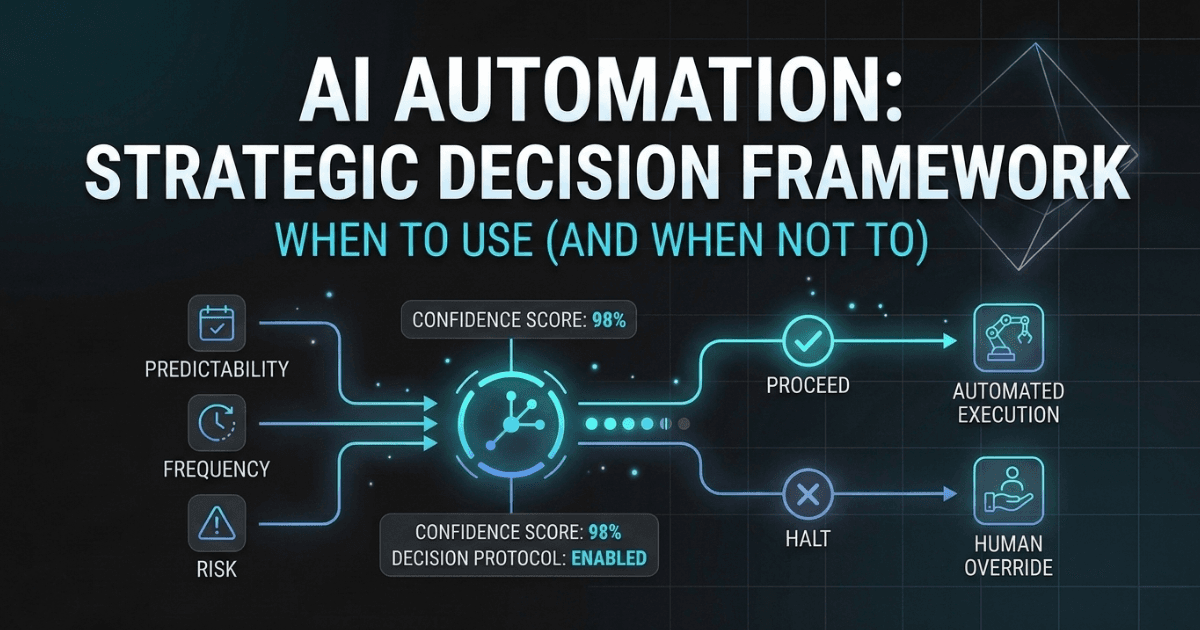
Traditional automation handles rules. AI automation handles judgment. Understanding the difference tells you when each approach is right, and when to combine them.
In this post, I'll break down the distinction, show you the real-world impact with data, and walk you through building a hybrid automation pipeline that uses both approaches together.
The Core Distinction
Traditional automation tools (Zapier, Make, n8n, or custom scripts) work on explicit logic:
- If this condition is met → do this action
- When this event occurs → trigger this sequence
- Every day at 9am → run this report
This works perfectly when the logic is clear and consistent. A webhook fires when a customer signs up → create a row in the CRM → send a welcome email. Every step is deterministic. If you can write the rule, the automation can follow it.
AI automation enters where rules break down. It handles tasks that would normally require a human to read, interpret, and decide: processing documents in unpredictable formats, classifying free-text input, extracting meaning from unstructured data.
The practical test
If you can express the logic as a series of if/else statements and it handles 95% of cases, use traditional automation. If you find yourself writing the 15th edge-case rule and still missing inputs, you need AI automation.
Why This Matters: The Numbers
Invoice processing is one of the clearest examples of this divide, and the data tells a stark story.
Manual invoice processing costs businesses $15 to $26 per document on average, with the typical cost sitting around $16 per invoice. A company processing 1,000 invoices per month is spending roughly $192,000 per year just on data entry, validation, and routing.
It's not just cost. It's speed and accuracy. The average invoice takes 14.6 days to process manually, and approximately 39% of manually processed invoices contain errors, each costing an average of $53 to fix.
By contrast, best-in-class teams using AI-powered automation process invoices at $2 to $5 each (an 80% cost reduction), with processing time dropping from 10 to 30 minutes per invoice down to 1 to 2 seconds.
The core issue isn't that people are slow at data entry. It's that invoices arrive in wildly different formats: different PDF layouts, different field names, different structures. Writing deterministic rules to handle every variation is a losing battle. That's the judgment gap, and it's exactly where AI automation earns its keep.
Tutorial: Build a Hybrid Invoice Processor
Let's build the thing. This project combines AI automation (an LLM extracts structured data from messy invoices) with traditional automation (Pydantic validates the output against a strict schema, then routes the result).
The full project is under 150 lines of core logic and takes about 2 to 3 hours to build from scratch.
The Stack
- Python 3.11+
- OpenAI API (
gpt-4o-mini) with Structured Outputs for the AI extraction step - Pydantic for schema definition and validation (the traditional rules layer)
- A
/samplesfolder with invoices in different formats to demonstrate the AI handling variation
How It Works
Invoice (any format) → AI extracts structured data → Pydantic validates → Route result
(judgment step) (rules step)- Load an invoice (plain text, messy email, or extracted PDF content)
- Send it to OpenAI with a Pydantic schema, so the model returns structured, typed data
- Validate the extracted fields against business rules (amounts > 0, dates are valid, required fields present)
- Route: if validation passes → "approved" output. If it fails → "needs review" with reasons.
The Core Code
Here's the heart of the pipeline (the AI extraction step combined with validation) in about 40 lines:
from openai import OpenAI
from pydantic import BaseModel, field_validator
from datetime import date

client = OpenAI()  # Uses OPENAI_API_KEY env variable


# --- Schema: defines what we expect from every invoice ---
class LineItem(BaseModel):
    description: str
    quantity: float
    unit_price: float
    amount: float

class InvoiceData(BaseModel):
    vendor_name: str
    invoice_number: str
    invoice_date: date
    due_date: date | None = None
    line_items: list[LineItem]
    subtotal: float
    tax: float
    total: float
    currency: str = "USD"

    @field_validator("total")
    @classmethod
    def total_must_be_positive(cls, v):
        if v <= 0:
            raise ValueError("Total must be positive")
        return v


# --- AI extraction: the judgment step ---
def extract_invoice(raw_text: str) -> InvoiceData:
    completion = client.beta.chat.completions.parse(
        model="gpt-4o-mini",
        messages=[
            {
                "role": "system",
                "content": (
                    "Extract structured invoice data from the text. "
                    "Be precise with numbers. Use ISO format for dates (YYYY-MM-DD)."
                ),
            },
            {"role": "user", "content": raw_text},
        ],
        response_format=InvoiceData,
    )
    return completion.choices[0].message.parsed
That's it. The response_format=InvoiceData parameter tells OpenAI to return output that exactly matches the Pydantic schema. No regex. No template matching. No brittle parsing rules. The AI reads the document, understands the structure, and returns typed data, and Pydantic validates it automatically.
What Makes This a Hybrid
The AI does the hard part: reading unstructured text and extracting meaning. But the traditional automation layer (the Pydantic schema with its validators and type constraints) enforces the business rules. The AI might extract a negative total from a confusing credit memo; the total_must_be_positive validator catches that and routes it for human review.
This is the pattern: AI for judgment, rules for guardrails.
Get the Full Code
The complete project (including sample invoices in different formats, the routing logic, formatted output, error handling, and a detailed README) is available on GitHub: github.com/ashkankardan/ai-invoice-processor.
Clone it, add your OpenAI API key, and run it against the sample invoices in under 5 minutes.
When AI Automation Is Overkill
Not every workflow needs AI. If you're automating something with clean, structured data and explicit rules, adding AI adds cost and complexity without adding value.
Don't use AI to route a form submission to a Slack channel (a webhook handles this fine), trigger a notification when a database value changes (use a DB trigger), or generate a tabular report on a schedule from structured data (a Python script is better).
Use AI when you're dealing with natural language, unstructured documents, variable formats, or decisions that require reading and interpretation.
Building AI Automation That Lasts
A few principles from systems I've built in production:
Make failure visible. When an AI step returns unexpected output, route it to a human review queue. Don't silently drop it or pass bad data downstream. Every AI automation needs a human fallback path.
Log everything. You need to know what inputs the AI is seeing, what it's deciding, and where it's getting it wrong. Logs are how you improve the system over time.
Separate the AI logic from the orchestration. Keep your AI calls (classify this text, extract these fields) separate from your workflow logic (if X then Y). It makes both easier to debug and easier to improve.
The best AI automation is almost invisible. It handles the tedious, judgment-heavy work so your team can focus on the things that actually need them.
Enjoyed this article?
Let's work together
If you're looking to build AI-powered software for your business, I'd love to chat.