
Build an AI Customer Support Chatbot in 20 Minutes
An honest look at when AI chatbots actually help your business — plus a working Python demo you can clone and run right now.
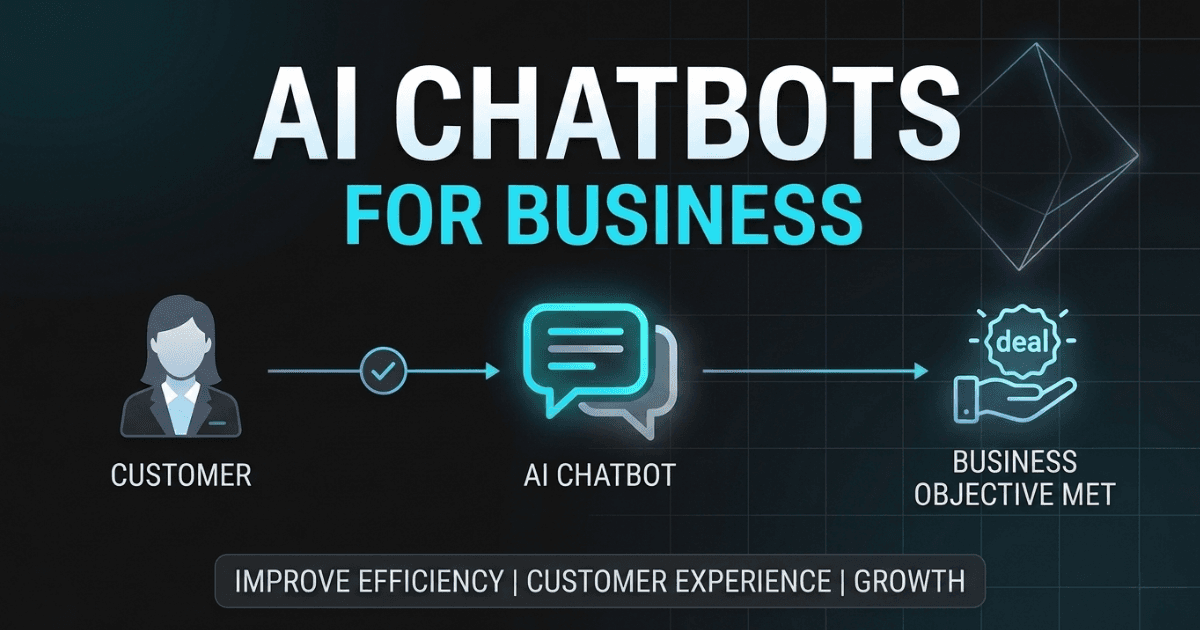
The AI chatbot market hit roughly $11.8 billion in 2026, up from $9.5 billion the year before. Around 57% of companies report significant ROI within the first year of deploying one, and 62% of consumers now say they'd rather talk to a bot than wait for a human agent.
But here's the thing most of those stats don't tell you: about half the businesses that come to me wanting a chatbot don't actually need one. They need better documentation, a clearer FAQ page, or a different process entirely.
This post is two things: a framework for figuring out if a chatbot is right for your business, and a working demo you can clone and run in under 20 minutes to see what a real implementation looks like.
Does Your Business Actually Need a Chatbot?
Before writing a single line of code, answer three questions honestly:
Is there a repetitive question pattern? If 60%+ of your support inquiries are variations on the same 10–20 questions, order status, return policies, pricing, you have a chatbot use case. If every inquiry is genuinely different and needs human judgment, a chatbot won't help.
Does the answer require your specific data? Generic AI assistants handle general questions fine. What makes a custom chatbot valuable is that it knows your products, your policies, your customer's context. If the value comes from knowing your specific business, a properly built chatbot is worth building.
What happens when it fails? Every chatbot fails sometimes. A mildly inconvenienced customer who gets routed to a human is fine. Wrong medical advice or bad financial guidance is not. Define your failure mode and design the handoff to a human before you design the bot.
What Makes a Good Use Case
The strongest chatbot deployments share a few characteristics:
High volume, low variance. E-commerce support is the classic example. "Where's my order?" "Can I return this?" "Do you have this in size 10?" Thousands of near-identical questions, all answerable from structured data you already have.
Internal knowledge retrieval. Employees searching across docs, wikis, and policy documents. High search volume, relatively low stakes, clear value from instant answers.
Lead qualification and guided conversion. Website visitors with intent but who need guidance. A well-designed bot asks the right qualifying questions, routes users to the right resource, and captures contact info. In e-commerce specifically, chatbots can guide users through a structured buying flow, think product recommendations, size guidance, checkout nudges, where the decision is more transactional than relationship-driven.
What Doesn't Work
Replacing your entire support team. Chatbots augment support; they don't replace it. Handle the high-volume, low-complexity cases so humans can focus on the ones that matter.
Deep negotiation or relationship sales. If closing a deal requires nuanced back-and-forth and trust-building over weeks, a chatbot will hurt you. Use it for qualification and structured flows, not complex sales.
Crisis communication. When something goes wrong and customers are angry, they want a human. A bot deflecting complaints during a crisis is worse than no bot at all.
The Spec That Matters
If you've decided a chatbot makes sense, nail down this one-page spec before touching any code:
- What questions will it answer? (explicit list, not "anything related to...")
- Where does the data come from? (specific sources: your product catalog, help docs, order database)
- What does it do when it can't answer? (specific fallback: email, live chat, phone number)
- Who owns it after launch? (who reviews conversation logs, updates the knowledge base, handles edge cases)
- How will you measure success? (containment rate, customer satisfaction, time saved)
Let's Build One
Enough theory. Here's a working customer support chatbot using Python, the Anthropic SDK, and Streamlit. It loads a knowledge base from a simple Markdown file and uses Claude to answer questions based on your business context.
The approach is straightforward: load your business knowledge into Claude's system prompt, then let it answer questions grounded in that context. No vector database, no embeddings, no complex infrastructure, just a knowledge file, a system prompt, and an API call.
import streamlit as st
from anthropic import Anthropic
from pathlib import Path

# Load your business knowledge base
knowledge = Path("knowledge_base.md").read_text()

# System prompt that grounds Claude in your business context
SYSTEM_PROMPT = f"""You are a helpful customer support assistant for our store.
Answer questions using ONLY the information in the knowledge base below.
If you don't know the answer, say so honestly and suggest contacting support.
Be friendly, concise, and helpful.

KNOWLEDGE BASE:
{knowledge}"""

client = Anthropic()  # Uses ANTHROPIC_API_KEY env variable

# Initialize chat history
if "messages" not in st.session_state:
    st.session_state.messages = []

st.title("💬 Customer Support")

# Display chat history
for msg in st.session_state.messages:
    st.chat_message(msg["role"]).write(msg["content"])

# Handle new user input
if prompt := st.chat_input("How can I help you today?"):
    st.session_state.messages.append({"role": "user", "content": prompt})
    st.chat_message("user").write(prompt)

    response = client.messages.create(
        model="claude-sonnet-4-6",
        max_tokens=1024,
        system=SYSTEM_PROMPT,
        messages=st.session_state.messages,
    )

    reply = response.content[0].text
    st.session_state.messages.append({"role": "assistant", "content": reply})
    st.chat_message("assistant").write(reply)
That's the core, about 35 lines. You write your business knowledge in a Markdown file, and Claude answers questions grounded in that context. It maintains conversation history, knows when to say "I don't know," and stays on-topic.
The Cost Reality
Claude Sonnet 4.6 costs $3 per million input tokens and $15 per million output tokens. For a typical support conversation (a few hundred tokens each way), that's roughly $0.002–0.005 per conversation. If you're handling 1,000 support conversations a month, that's about $2–5/month in API costs.
Compare that to even a part-time support person, and the math makes itself. The real cost isn't the API, it's building it right, writing a solid knowledge base, and maintaining it over time.
Try It Yourself
The complete project including a sample e-commerce knowledge base, proper error handling, and clear setup instructions is on GitHub: github.com/ashkankardan/ai-support-chatbot.
Clone it, add your Anthropic API key, swap in your own knowledge base, and you'll have a working chatbot in under 20 minutes.
What's Next
This demo covers the fundamentals, but production chatbots go further. Voice interaction, agentic actions (placing orders, updating records), multi-channel deployment, and analytics dashboards are all the next layer. If you're building something like that, I'd love to hear about it.
Enjoyed this article?
Let's work together
If you're looking to build AI-powered software for your business, I'd love to chat.